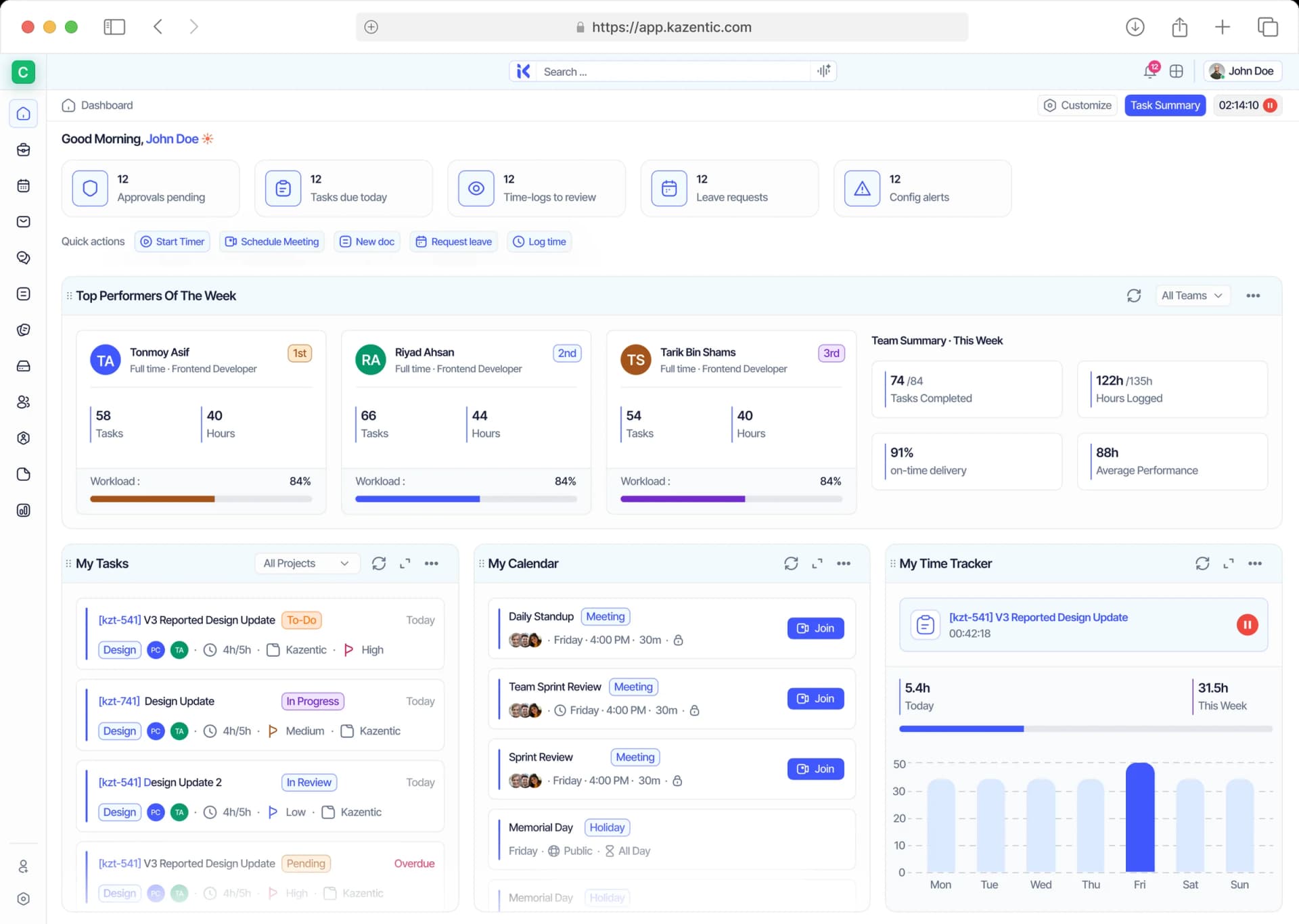
Docs That Stay Connected to the Work
Write in blocks, link the tasks a doc is about, and embed charts that read live from your workspace so the numbers in your doc are never yesterday's.
Key Features
AI
Live Charts
Live Charts
Grid & List Views
Grid & List Views
Sharing & Owners
Sharing & Owners
Archive & Trash
Archive & Trash
Linked Tasks
Linked Tasks
Block Editor
Block Editor
Slash Commands
Slash Commands
Doc Reminders
Doc Reminders
Starred & Pinned
Starred & Pinned
Tags & Filters
Tags & Filters
Stop Pasting Screenshots into Status Docs
Kazentic docs pull from the same workspace your tasks live in. Link a task and its status shows up. Drop a chart and it refreshes itself. The doc stays right without anyone maintaining it.
Without
Kazentic
Copy Pasted
Status Updates
Scattered
Meeting Notes
Stale
Screenshots
With
Kazentic
Live
Chart Blocks
Linked Tasks
In Every Doc
One Doc
Everyone Trusts
Every Doc Carries Its Own Tasks and Numbers
Kazentic docs are built from blocks: text, checklists, callouts, linked tasks, and live charts. Change the work and the doc changes with it, so nobody has to hunt for the current version.
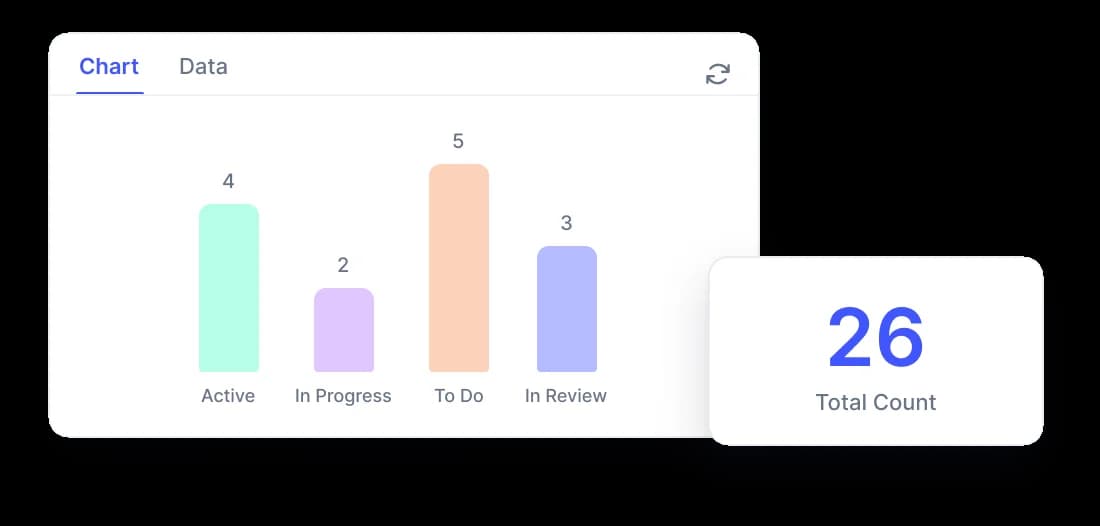
Charts That Read Live Data
Drop in a bar, pie, donut, or line chart and it pulls straight from your workspace.
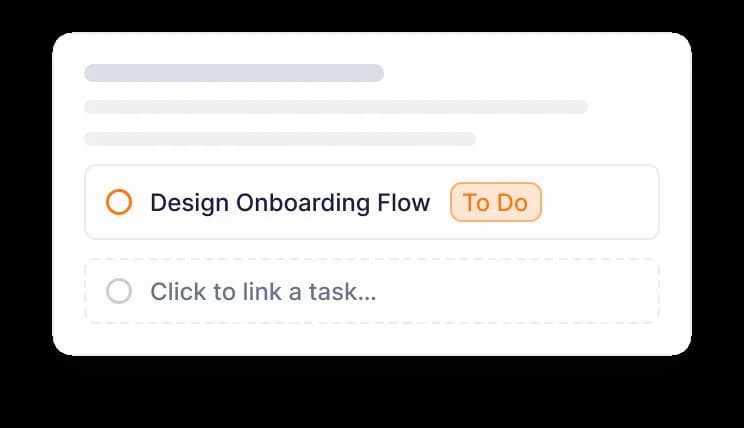
Link the Tasks a Doc Is About
Attach tasks inline and see their status without leaving the page.
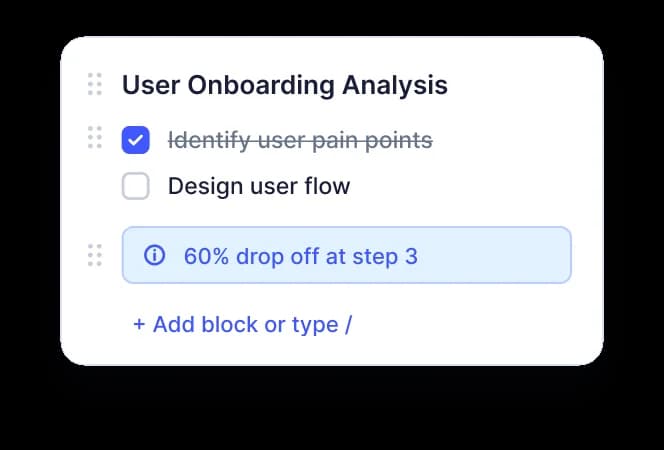
Blocks, Not Blank Pages
Type / for headings, checklists, callouts, tables, tasks, and charts.
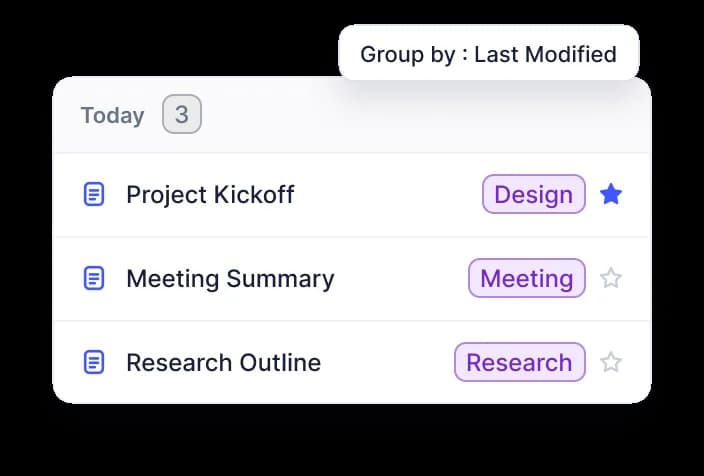
Find Any Doc in Seconds
Tag it, star it, pin it, or group by last modified, then filter down to one.
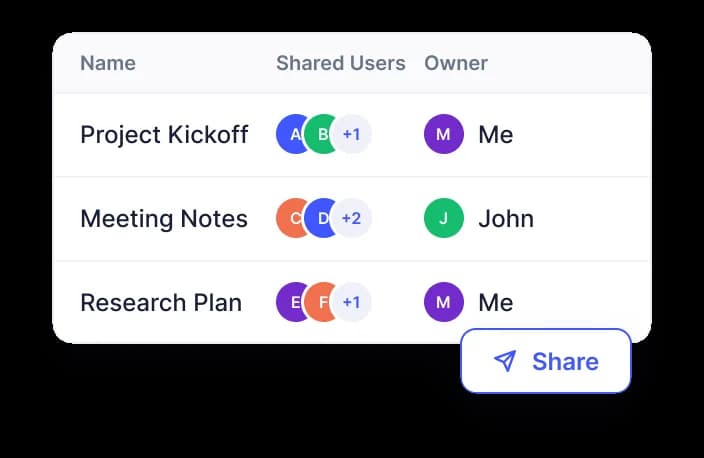
Share Exactly Who You Mean
Add people to a doc, set an owner, and copy a link that respects access.
One Editor for Specs, Reports, and Reviews
From a quick meeting note to a research write-up with live charts, Docs gives you one editor, one place to find everything, and one link to share it — with the tasks and numbers already attached.
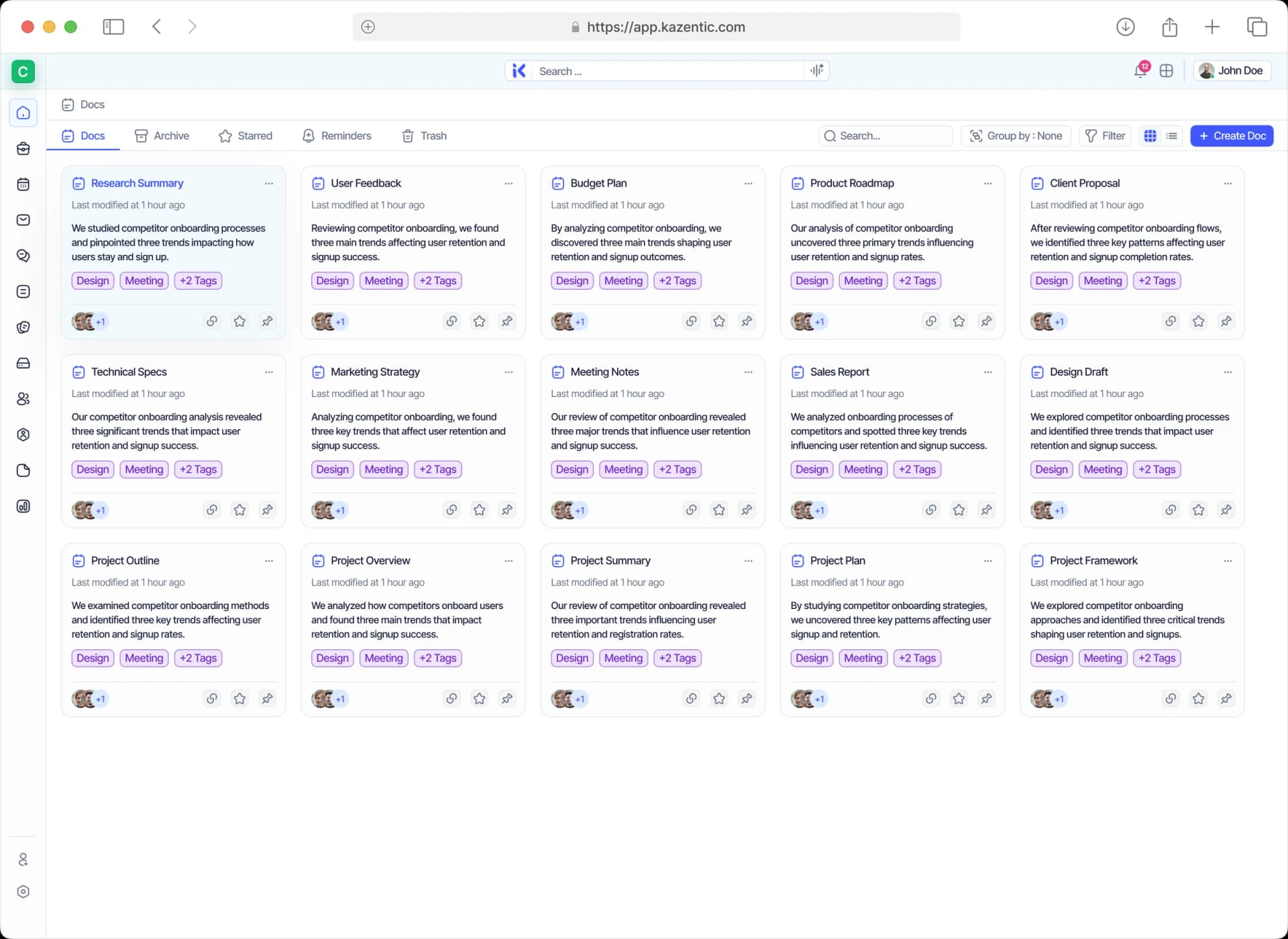
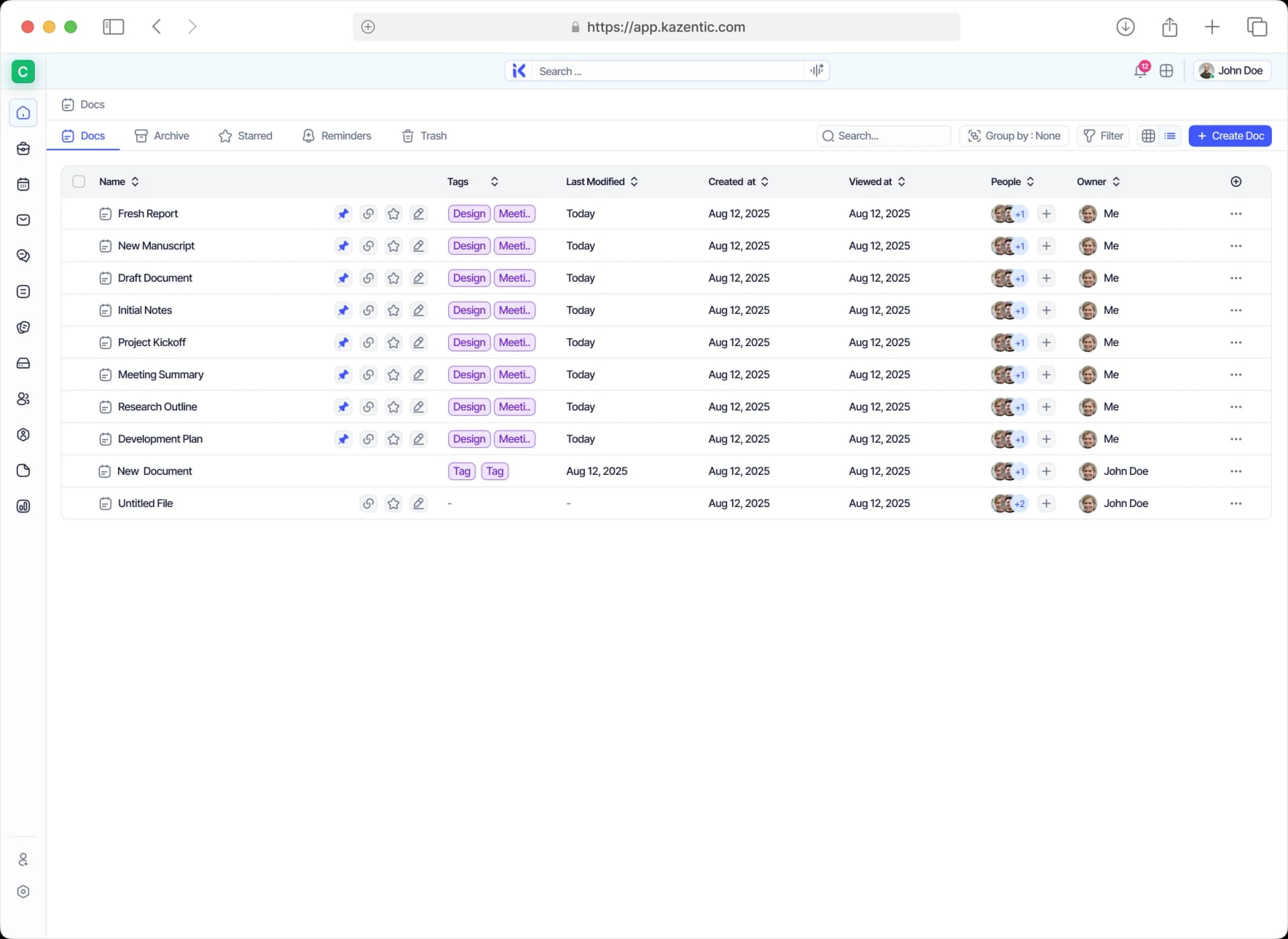
Every Doc, One Searchable List
See location, tags, owner, people, and when each doc was last modified — then group, filter, or switch to grid.
Docs Wired to the Work They Describe
A document here isn't a snapshot. Linked tasks show live status, charts read live project data, and anything you decide in the doc can leave as real work without being retyped.
FEEDS IN
Linked Tasks
A linked-task block shows live status, instead of a checklist that quietly goes stale.
Project Data
Charts read live project numbers, so the document never quietly falls out of date.
Files
Images, tables, code blocks and attachments all sit inline in the same block editor.
DOCS
FLOWS OUT
New Tasks
Create real work from inside the document, already assigned and dated as you write.
Chat
Share it to a channel, then set a reminder that brings the doc back when it matters.
Starred & Archive
Star it, pin it or archive it, because nothing gets deleted just to keep a list tidy.
Put Your Docs Where the Work Is
Write a doc, link its tasks, and drop in a chart that keeps itself current. Free to start.