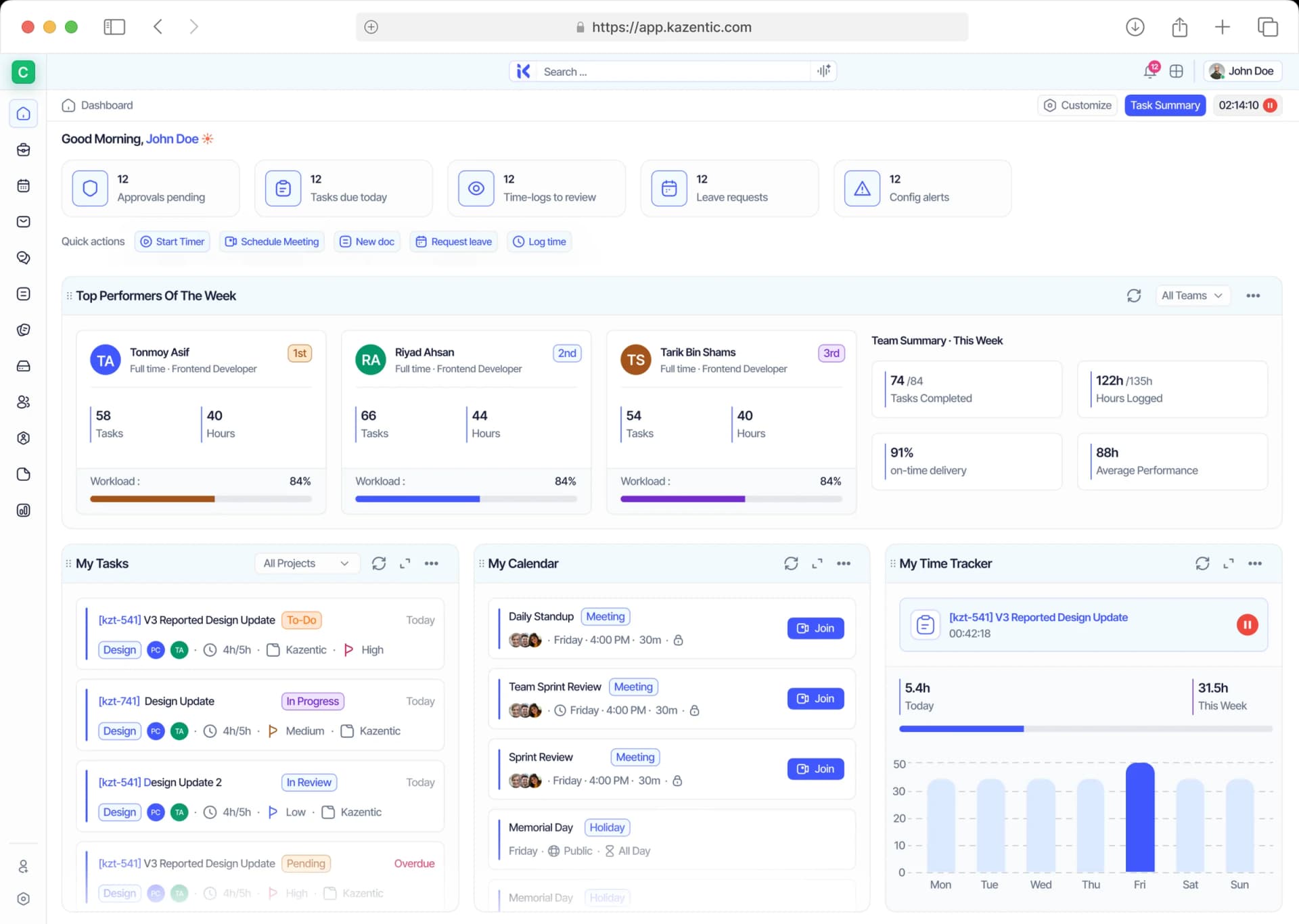
Every Member, Every Team, One Directory
See who's in your workspace, what they do, which teams they're on, and what they're carrying — then invite, group, and set access without leaving the list.
Key Features
AI
Member Profiles
Member Profiles
Activity Status
Activity Status
Saved Views
Saved Views
Group & Filter
Group & Filter
Workload Visibility
Workload Visibility
Member Directory
Member Directory
Team Pages
Team Pages
Roles & Permissions
Roles & Permissions
Invites & Onboarding
Invites & Onboarding
Guest Access
Guest Access
Stop Keeping Your Team List in a Spreadsheet
Kazentic keeps every member and team in one module: roles, teams, workload, and access on a single list. No parallel spreadsheet, no stale org chart, no guessing who has access to what.
Without
Kazentic
Stale
Org Charts
Scattered
Member Lists
Guesswork On
Who Has Access
With
Kazentic
Always Current
Team Pages
One Shared
Member List
Clear Roles
& Permissions
Know Who's on Your Team, and What They're Doing
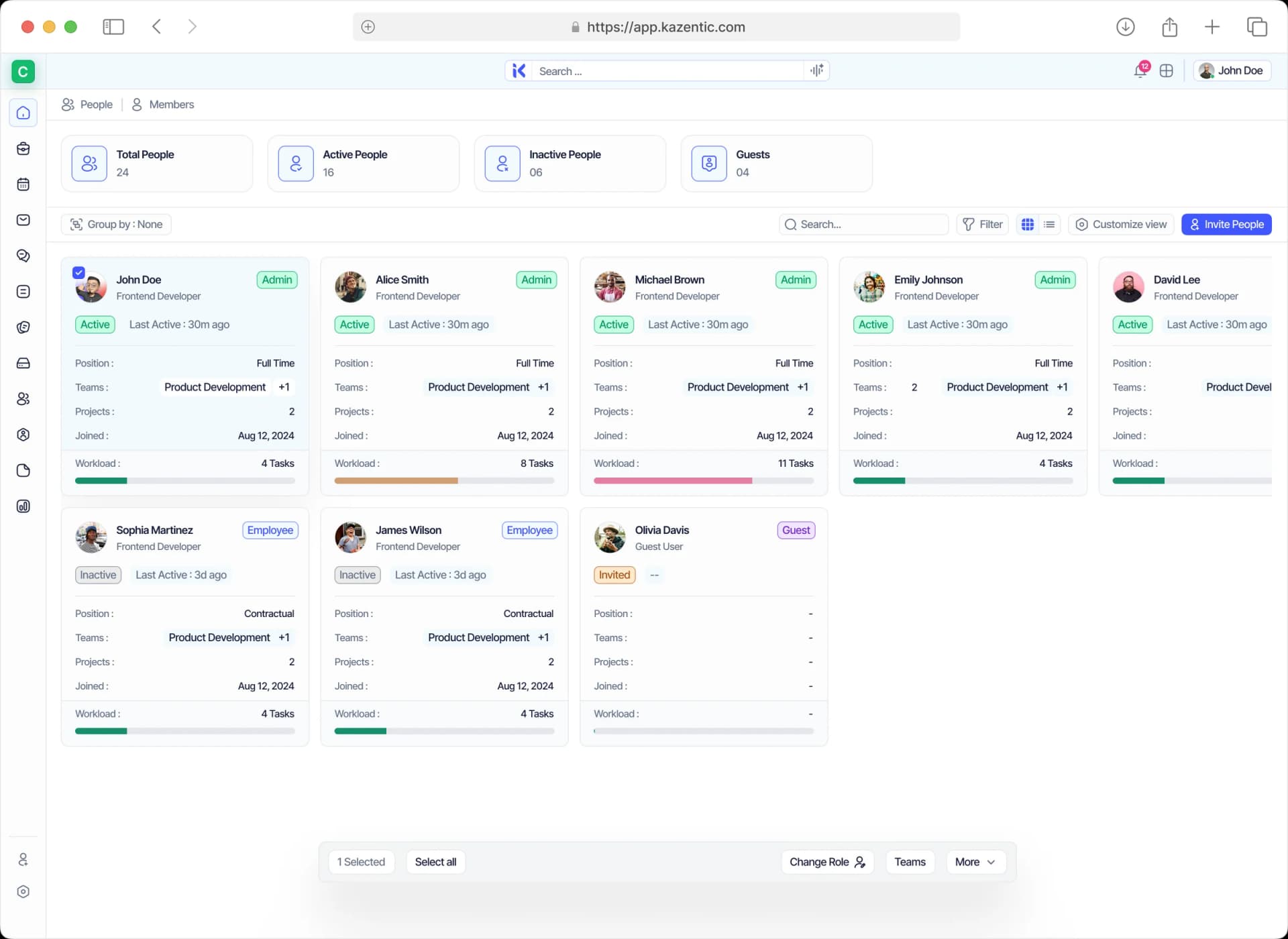
Members and teams live in one module: roles, designations, teams, projects, workload and joining dates on a single list you can group, filter, and save your own view of.
Every Member in One Directory
See roles, teams, designation, position, status, and workload for every member on one screen.
Teams That Mirror Your Org
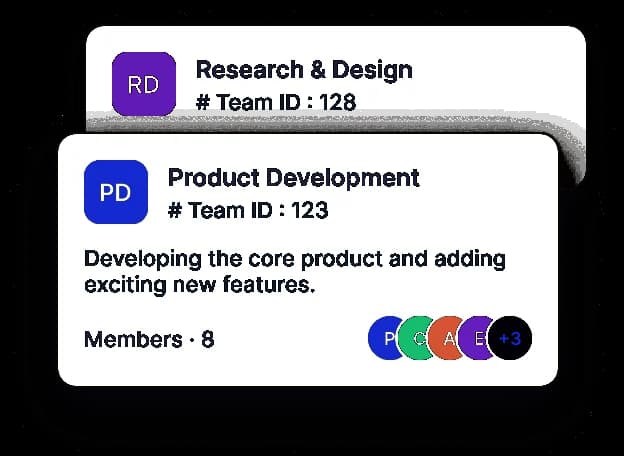
Group members into teams with their own ID, description, and member list.
Workload You Can See
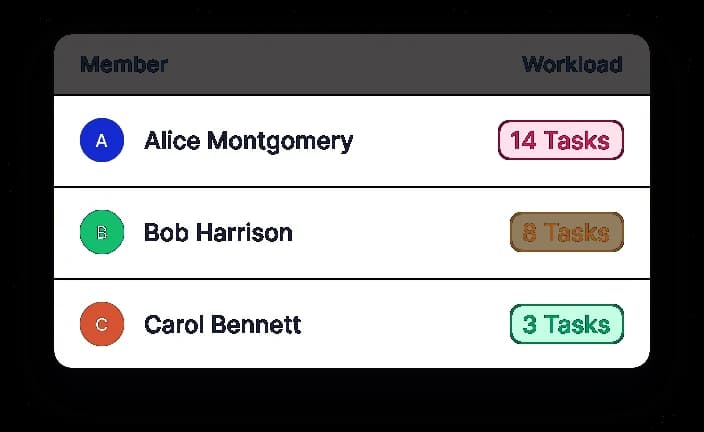
Open tasks and last active sit on every member row, so you spot who's stretched early.
Invites and Guests
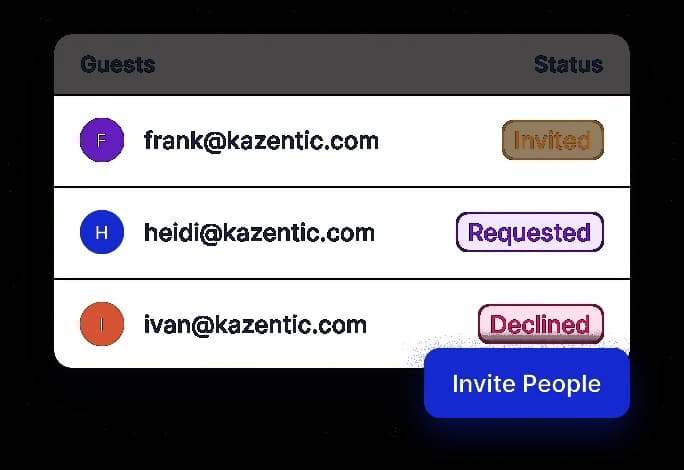
Invite members, bring in guests, and track every invite from sent to accepted.
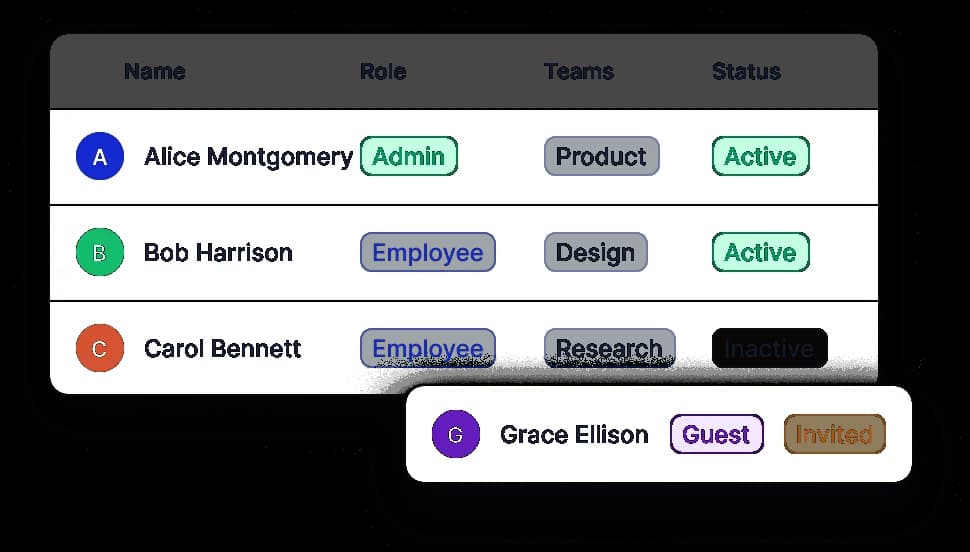
Roles and Access Control
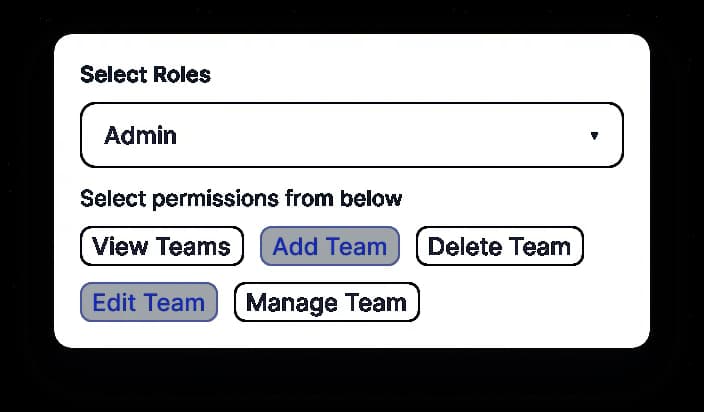
Give admins, employees, and guests exactly the permissions they need - nothing more.
One Module for Members, Teams, Roles, and Guests
From the member list to team pages, invites, and access control, People covers everything about the humans in your workspace: who they are, where they sit, and what they are allowed to touch.
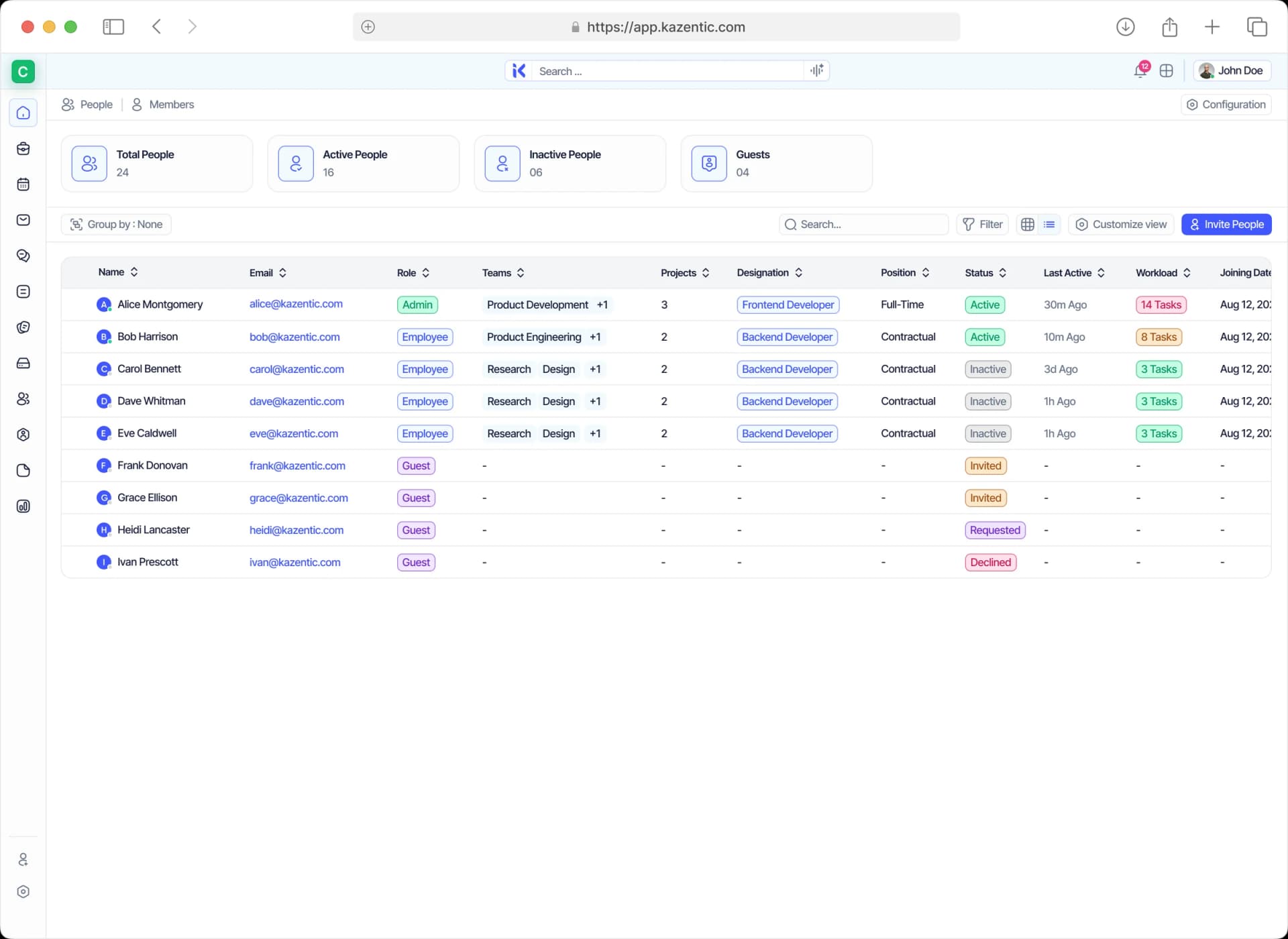
Everyone in One Members List
Every member sits on one list with their role, teams, projects, status and workload, and you can filter it, group it, or save the view you keep coming back to.
One Employee Record the Whole Workspace Reads
Hire someone once and every other module already knows them. Compensation, leave balances, workload and permissions all read the same record, so there is nothing left to keep in sync.
FEEDS IN
Recruitment
A hired candidate becomes a workspace member without anyone re-keying their details.
Teams & Roles
Designation, employment type and per-module permissions all live on the one record.
Invites & Guests
A pending invite already carries its role and teams, so a member lands set up on the day they accept.
PEOPLE
FLOWS OUT
Payroll
Compensation and the assigned salary structure feed every cycle without re-entry.
Leaves
Entitlements and remaining balances follow the person, not a separate spreadsheet.
Projects & Workload
Who can be assigned to a project, and how full their week already is before you do.
Put Your Whole Team in One Place with Kazentic
Bring every member, team and permission into one directory, and retire the spreadsheet that never quite matched. Free to start.